Booking requests that arrive complete and reach the right artist
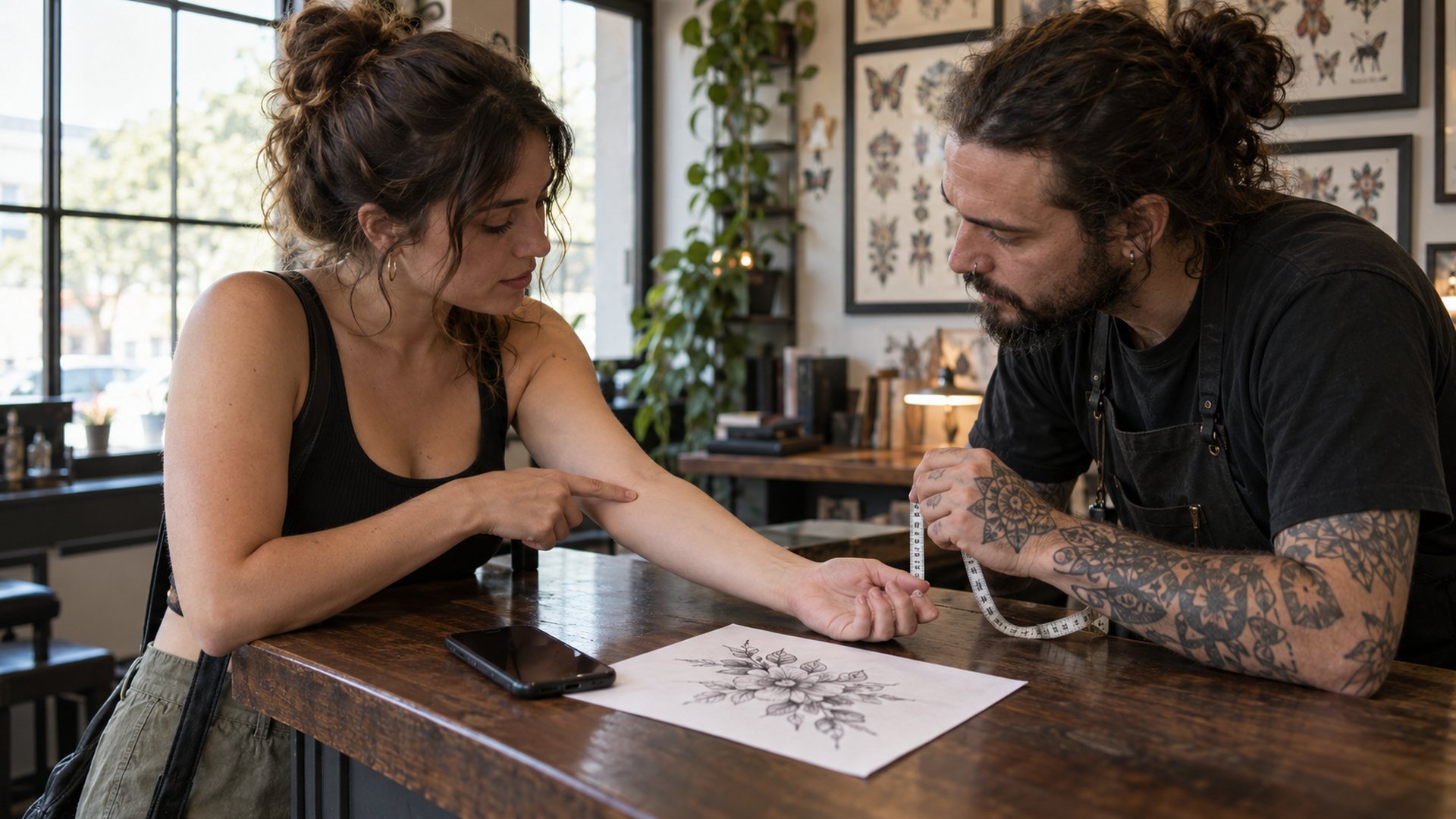
A client marks placement on a 2D or 3D body, attaches their art and sends the request to your studio. It lands in one queue. You route it to the right artist. The artist approves it, and only then does the client pay a deposit.
A request on comes in with the answers you'd otherwise chase over three days of DMs. Before the client can send it, they add their reference images, mark placement and pick a size.
It opens as one request card. A grade like Strong tells you the brief is clear. Under it: the client, a spec grid, the deposit that will be due, and the client's art with its placement facts. You quote from the card, not from a thread you have to scroll back through.
Reference images
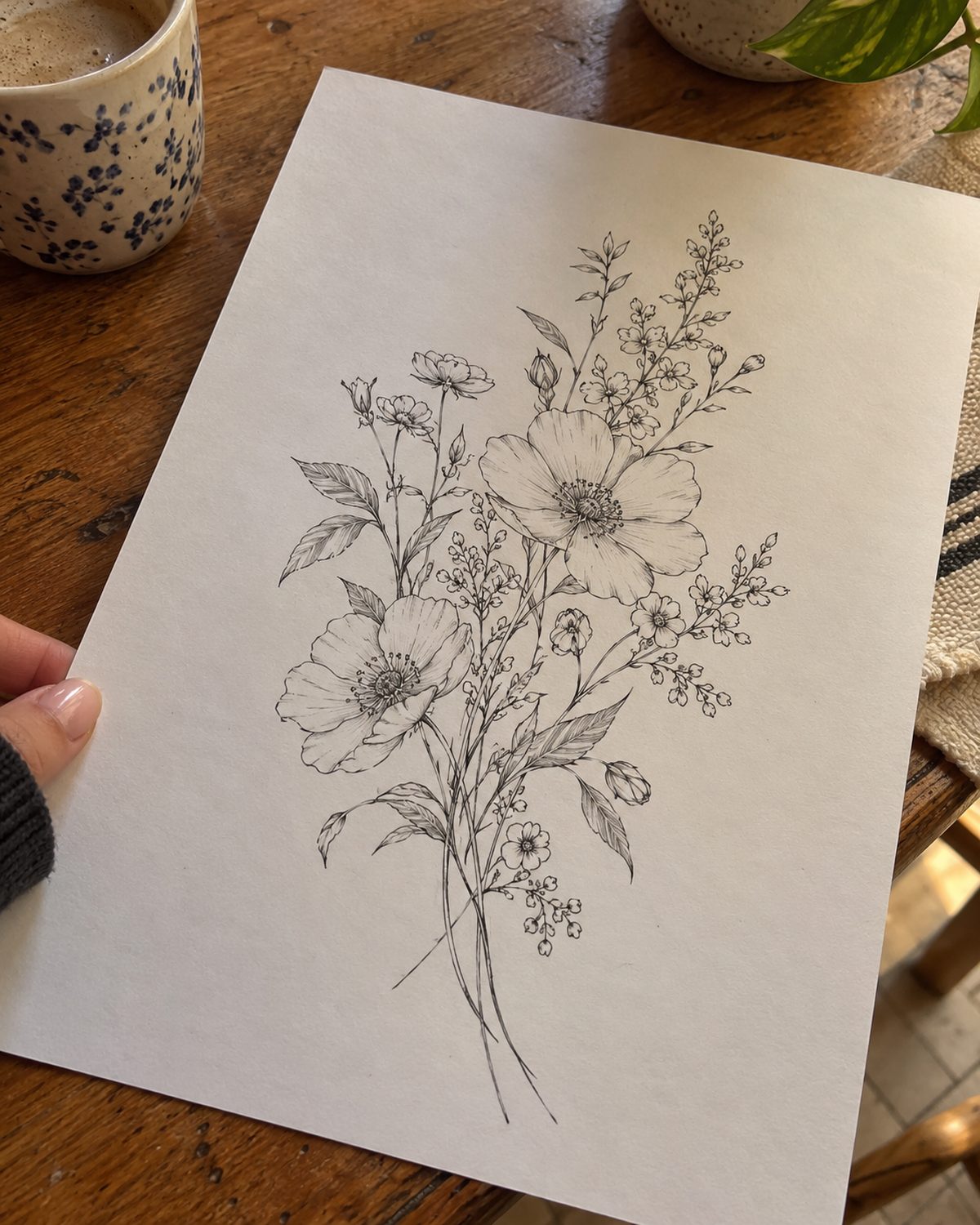
The client's own art, from their camera roll.
Placement
Area, side and size, marked on a body.
Size and budget
Their own questions, right under the body.
Where it came from
Marked ARTIST PAGE or STUDIO PAGE, and still marked after it's routed.
Jess T.'s request, as the studio sees it
StrongReference, placement and size answered.RQ-4518
JT
Jess T.
@jesst · STUDIO PAGE · Ironside Collective · received Sat 9:14 AM
2hUnread
DesignFloral, from her printout
StyleBlack and gray
SizePalm, 3 to 4 in
PlacementRight forearm, outer
Reference1 image, her own
SourceSTUDIO PAGE · Ironside Collective
Deposit$20 dueRequested after you approve
Jess T.'s referenceRight forearm, outer
Side
Right, outer
View
3D Body
True size
Palm · 3 to 4 in
Reference
1 image · client's own
Source
STUDIO PAGE · Ironside Collective
Client's own
02
Placement on a 2D or 3D body
Placement sets the stencil, the session length and the quote. So the booking flow asks for it on a body, not in a text box.
The client switches between 2D Map and 3D Body and taps the spot. A numbered spot card names it, gives a rough size and takes a reference photo. Size and budget can be their own questions below the body. You read the answer on the request as plain facts: area, side, view and size.
Jess's booking flow · placement
Tap the body where it goes · or drop a photo on it
1Forearm≈ 4 in
or drop a photo on the spot
Size
On the request
Jess T.'s referenceRight forearm, outer
Placement
Forearm
Side
Right, outer
View
3D Body
Size
Palm · 3 to 4 in
If 3D can't load
Placement3D body placement isn't supported on this device's browser — describe the spot in the field instead.Right forearm, outer side
Reference image
1 image · still attached
Size
2D MapText fieldNever blocked
Not every phone can run the 3D body. If the browser can't and the 2D map is on, the client moves to it with “3D body placement isn't supported on this device's browser — use the 2D map below instead.” If the field is 3D only, a text field appears. If the model stops partway, they see “The body map couldn't load on this device — describe the spot in the field instead.” Sending is never blocked. What they type is saved as the placement answer.
03
One studio queue, routed to the right artist
A request sent to the studio lands in your Request queue, grouped Unassigned and Routed. The owner opens it, reads the card and uses Assign an artist. Who looks closest puts artists who can take the work first: in the shop, or a guest whose dates haven't ended. Then it compares the request with each artist's specialties, and a tie goes to whoever has fewer open requests. It's a suggestion. It never assigns by itself.
Cal Brennan owns the shop. He opens Jess's floral and assigns it to Maya Rivera. The row moves from Unassigned to Routed with Maya on it, and the card still reads STUDIO PAGE.
Cal sees every studio request in one place, and which artist has it. Approving stays with the artist, or with an owner or manager in the queue once an artist is assigned. A front-desk seat can assign but not approve. Each artist still keeps their own account, clients and flash.
Sent to the studioAssigned or claimedArtist page requests stay out
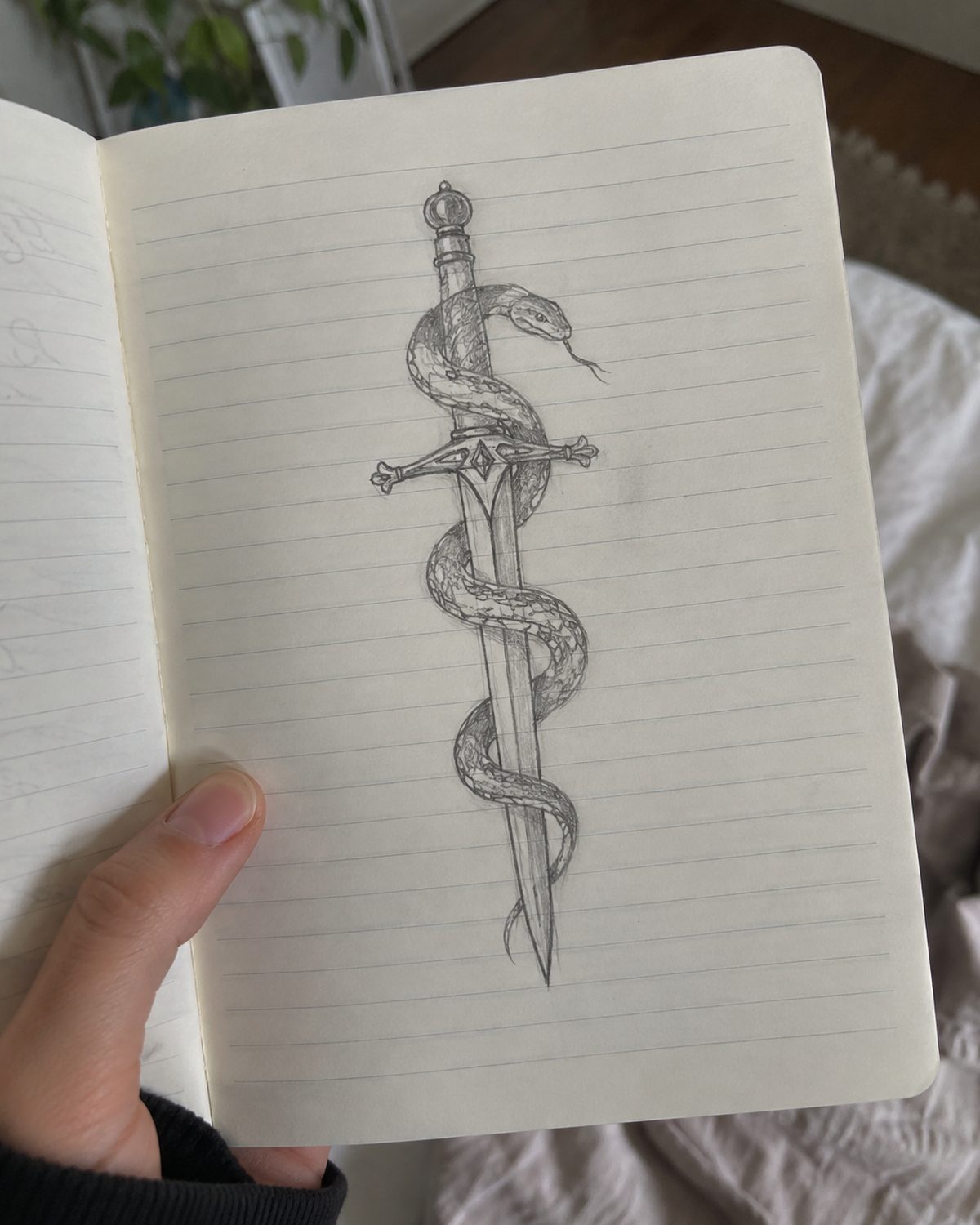
A request sent to one artist personally never enters the studio queue. When Amara K. books Nina Vos from Nina's own page with her snake and dagger sketch, it lands in Nina's own Requests, marked ARTIST PAGE.
With approval-first booking, no deposit link goes out until the request is approved. You see the art, the placement and the size first. Then you decide. If the idea needs a conversation first, have it before anyone pays.
Maya approves it from her own inbox. Approving books the time straight into the calendar and notifies the client. Jess gets an email and a text with a link for the $20 deposit. She pays by card, with the $2.50 booking fee on top, and she's booked.
Maya's inbox
JT
Jess T.
STUDIO PAGE · Ironside Collective · routed to Maya Rivera
Approved
PlacementRight forearm, outer
SizePalm, 3 to 4 in
View3D Body
Deposit$20 dueLink sent after approval
Approval and client notification
Approval saved
Email · Delivered
SMS · Sent, delivery unconfirmed
When a send doesn't land
SMSFailed
Email · Not sent · No contact details
SMS · Delivery unknown
Approval is saved. Check with the client before sending again.
Under the request, Approval and client notification shows the saved approval first, then each channel and when it went. A failed or unconfirmed send never undoes the approval. It tells you to check with the client before sending again.
Jess's phone, after Maya approves
JTJess T.’s phone
MRMaya Rivera ·
Maya approved your request for Sat 12:00. Pay the $20 deposit to hold it.
Pay deposit · $20
JTJess T.’s phone
Deposit to Maya Rivera
$22.50
$20 deposit + $2.50 booking fee
Card •••• 4242Change
Pay $22.50
JTJess T.’s phone
✓Paid $22.50You’re booked · Sat 12:00
05
What studio requests cost
Requests, the studio queue, routing and approvals come with every plan. Every plan has every feature, and card processing is included. You pay a booking fee only when a client pays by card. There's no separate processing fee, and nothing comes off your price. Receiving, routing and approving a request costs nothing.
Free · $0 a month, for good9.9% booking fee
Plus · $39 a month4.5% booking fee
Pro · $99 a month3.5% booking fee
Minimum per payment$2.50
TipsNo fee, 100% to you
Jess's $20 deposit, on Free
Deposit$20
Booking fee (the $2.50 minimum)$2.50
Paid byThe client, by default
You keep$20
Paid to your bank daily, next business day. US-only for now.
The client pays the booking fee by default. You can split it 50/50 or pay it yourself. Tips carry no fee and go 100% to the artist.
Start FreeStart on Free for $0 a month. Move to Plus or Pro when the lower fee saves you more than the monthly price.
Studio requests
Every request in one queue. Deposits after you approve.
Clients send the art, the placement and the size. You send it to the right artist, who says yes before anyone pays.
A client marks placement on a 2D or 3D body, attaches their art and sends the request to your studio. It lands in one queue. You route it to the right artist. The artist approves it, and only then does the client pay a deposit.
A request on comes in with the answers you'd otherwise chase over three days of DMs. Before the client can send it, they add their reference images, mark placement and pick a size.
It opens as one request card. A grade like Strong tells you the brief is clear. Under it: the client, a spec grid, the deposit that will be due, and the client's art with its placement facts. You quote from the card, not from a thread you have to scroll back through.
Jess T.'s request, as the studio sees it
StrongReference, placement and size answered.RQ-4518
JT
Jess T.
@jesst · STUDIO PAGE · Ironside Collective · received Sat 9:14 AM
2hUnread
DesignFloral, from her printout
StyleBlack and gray
SizePalm, 3 to 4 in
PlacementRight forearm, outer
Reference1 image, her own
SourceSTUDIO PAGE · Ironside Collective
Deposit$20 dueRequested after you approve
Jess T.'s referenceRight forearm, outer
Side
Right, outer
View
3D Body
True size
Palm · 3 to 4 in
Reference
1 image · client's own
Source
STUDIO PAGE · Ironside Collective
Client's own
Reference images
The client's own art, from their camera roll.
Placement
Area, side and size, marked on a body.
Size and budget
Their own questions, right under the body.
Where it came from
Marked ARTIST PAGE or STUDIO PAGE, and still marked after it's routed.
02
Placement on a 2D or 3D body
Placement sets the stencil, the session length and the quote. So the booking flow asks for it on a body, not in a text box.
The client switches between 2D Map and 3D Body and taps the spot. A numbered spot card names it, gives a rough size and takes a reference photo. Size and budget can be their own questions below the body. You read the answer on the request as plain facts: area, side, view and size.
Jess's booking flow · placement
Tap the body where it goes · or drop a photo on it
1Forearm≈ 4 in
or drop a photo on the spot
Size
On the request
Jess T.'s referenceRight forearm, outer
Placement
Forearm
Side
Right, outer
View
3D Body
Size
Palm · 3 to 4 in
2D MapText fieldNever blocked
Not every phone can run the 3D body. If the browser can't and the 2D map is on, the client moves to it with “3D body placement isn't supported on this device's browser — use the 2D map below instead.” If the field is 3D only, a text field appears. If the model stops partway, they see “The body map couldn't load on this device — describe the spot in the field instead.” Sending is never blocked. What they type is saved as the placement answer.
If 3D can't load
Placement3D body placement isn't supported on this device's browser — describe the spot in the field instead.Right forearm, outer side
Reference image
1 image · still attached
Size
03
One studio queue, routed to the right artist
A request sent to the studio lands in your Request queue, grouped Unassigned and Routed. The owner opens it, reads the card and uses Assign an artist. Who looks closest puts artists who can take the work first: in the shop, or a guest whose dates haven't ended. Then it compares the request with each artist's specialties, and a tie goes to whoever has fewer open requests. It's a suggestion. It never assigns by itself.
Cal Brennan owns the shop. He opens Jess's floral and assigns it to Maya Rivera. The row moves from Unassigned to Routed with Maya on it, and the card still reads STUDIO PAGE.
Cal sees every studio request in one place, and which artist has it. Approving stays with the artist, or with an owner or manager in the queue once an artist is assigned. A front-desk seat can assign but not approve. Each artist still keeps their own account, clients and flash.
Sent to the studioAssigned or claimedArtist page requests stay out
A request sent to one artist personally never enters the studio queue. When Amara K. books Nina Vos from Nina's own page with her snake and dagger sketch, it lands in Nina's own Requests, marked ARTIST PAGE.
With approval-first booking, no deposit link goes out until the request is approved. You see the art, the placement and the size first. Then you decide. If the idea needs a conversation first, have it before anyone pays.
Maya approves it from her own inbox. Approving books the time straight into the calendar and notifies the client. Jess gets an email and a text with a link for the $20 deposit. She pays by card, with the $2.50 booking fee on top, and she's booked.
Maya's inbox
JT
Jess T.
STUDIO PAGE · Ironside Collective · routed to Maya Rivera
Approved
PlacementRight forearm, outer
SizePalm, 3 to 4 in
View3D Body
Deposit$20 dueLink sent after approval
Approval and client notification
Approval saved
Email · Delivered
SMS · Sent, delivery unconfirmed
When a send doesn't land
SMSFailed
Email · Not sent · No contact details
SMS · Delivery unknown
Approval is saved. Check with the client before sending again.
Under the request, Approval and client notification shows the saved approval first, then each channel and when it went. A failed or unconfirmed send never undoes the approval. It tells you to check with the client before sending again.
Jess's phone, after Maya approves
JTJess T.’s phone
MRMaya Rivera ·
Maya approved your request for Sat 12:00. Pay the $20 deposit to hold it.
Pay deposit · $20
JTJess T.’s phone
Deposit to Maya Rivera
$22.50
$20 deposit + $2.50 booking fee
Card •••• 4242Change
Pay $22.50
JTJess T.’s phone
✓Paid $22.50You’re booked · Sat 12:00
05
What studio requests cost
Requests, the studio queue, routing and approvals come with every plan. Every plan has every feature, and card processing is included. You pay a booking fee only when a client pays by card. There's no separate processing fee, and nothing comes off your price. Receiving, routing and approving a request costs nothing.
Free · $0 a month, for good9.9% booking fee
Plus · $39 a month4.5% booking fee
Pro · $99 a month3.5% booking fee
Minimum per payment$2.50
TipsNo fee, 100% to you
Jess's $20 deposit, on Free
Deposit$20
Booking fee (the $2.50 minimum)$2.50
Paid byThe client, by default
You keep$20
Paid to your bank daily, next business day. US-only for now.
The client pays the booking fee by default. You can split it 50/50 or pay it yourself. Tips carry no fee and go 100% to the artist.
Start FreeStart on Free for $0 a month. Move to Plus or Pro when the lower fee saves you more than the monthly price.
Studio requests
Every request in one queue. Deposits after you approve.
Clients send the art, the placement and the size. You send it to the right artist, who says yes before anyone pays.